
Move your products, and the rest takes simple steps.
Your products move with an API key or a product sheet. And you decide when to close your old store.
What moves?
Straight from the start, so nothing surprises you.
Moves
- Your productsAutomatically with an API key, or with a product sheet
You set up, in simple steps
- The theme and your store's look
- Payments and shipping
- Pixel and tracking
- The domain
Doesn't move
- Customers and old orders
- Reviews
Moving in 5 steps
Open your account and move your products
Connect your old platform with an API key, or upload the product sheet.
The migration tool is from the Pro planPick your theme and adjust its look
Edit colors and pages yourself, no developer needed.
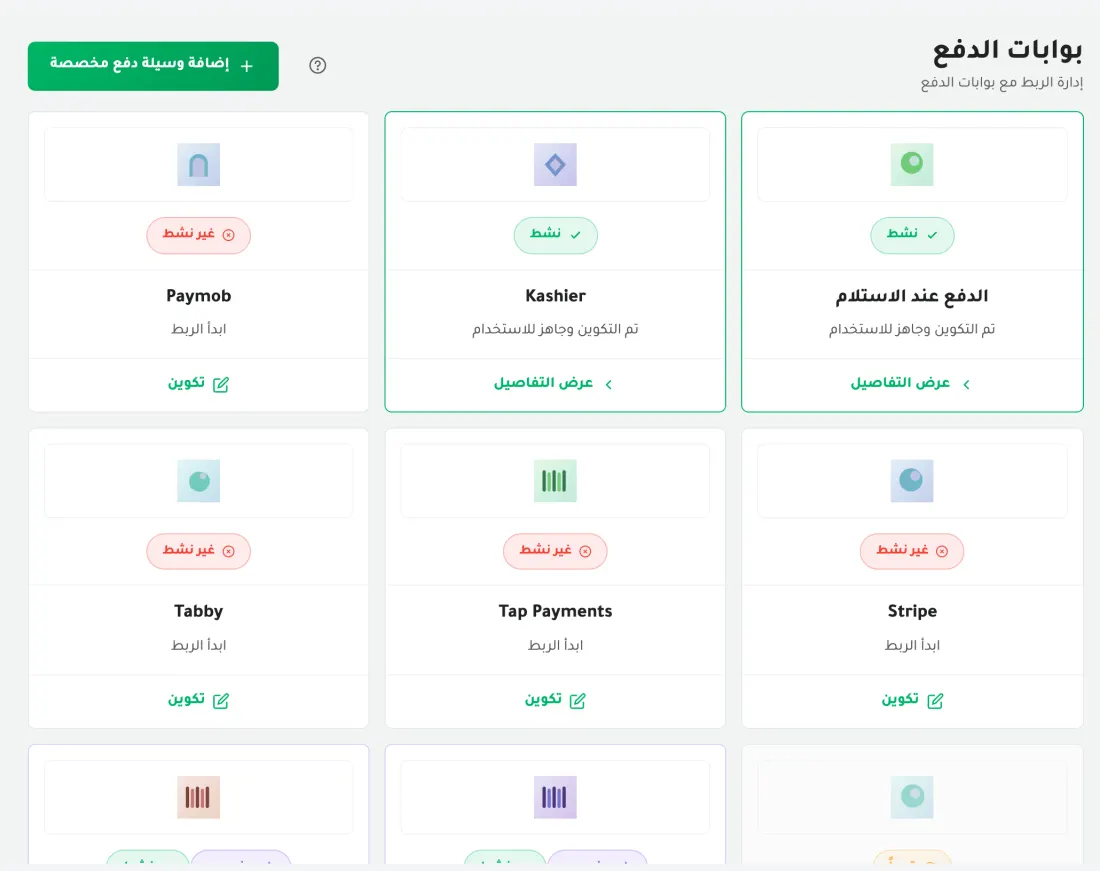
Connect payments and shipping
Cash on delivery works right away, and there are 11 payment methods to pick from. And connect your shipping company: Bosta, Mylerz or Turbo.
Add the same pixel
Install the pixel and server-side tracking for Meta, TikTok, Snap and Google by pasting the code.
Use the same pixel you already run on, instead of making a new one.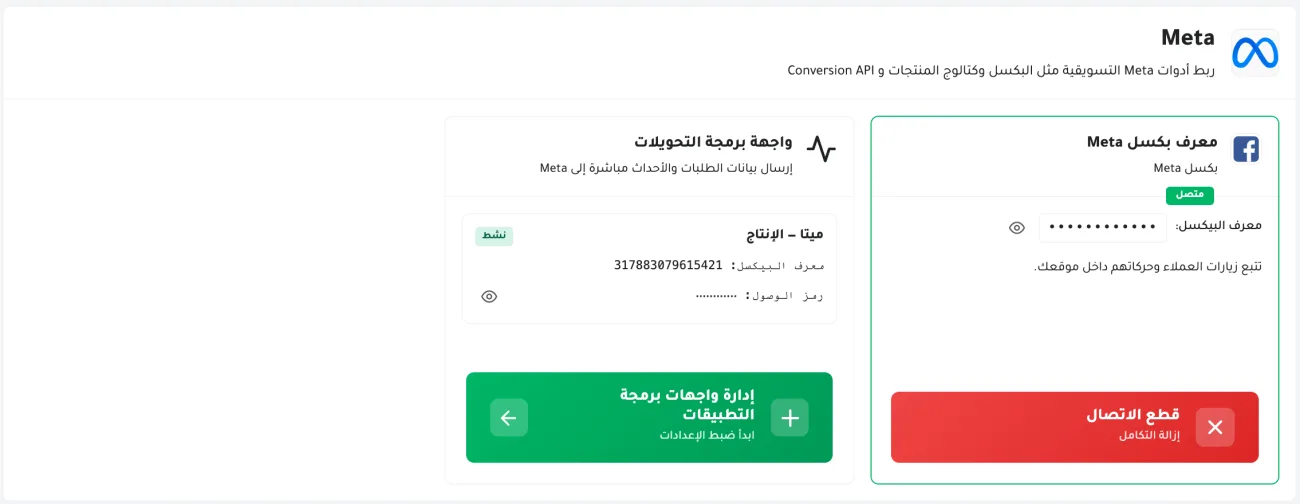
Place a test order, then switch the domain
Make sure payments, shipping and messages work. When everything is fine, point the domain to your new store.
Don't close your old store until the new one is taking orders.
And what do you gain by moving?
Moving questions
Do I need a developer to move?
No. You do the move yourself with an API key or a sheet, and your account manager is there if you need help.
Which plans include the migration tool?
Pro and Scale.
Will my old store stop working?
Moving doesn't affect your old store. You decide when to point your domain and close it.
Can I keep my payment gateway and shipping company?
If your gateway is one of the 11 payment methods and you ship with Bosta, Mylerz or Turbo, yes, on your own contract.