Independently control which countries can reach your store and which can actually purchase from it.
Last updated: 2026-09-09
🔧 Controlling Which Countries Can Reach and Buy From Your Store
1
From the sidebar, open Store Settings, then choose Available Countries.
2
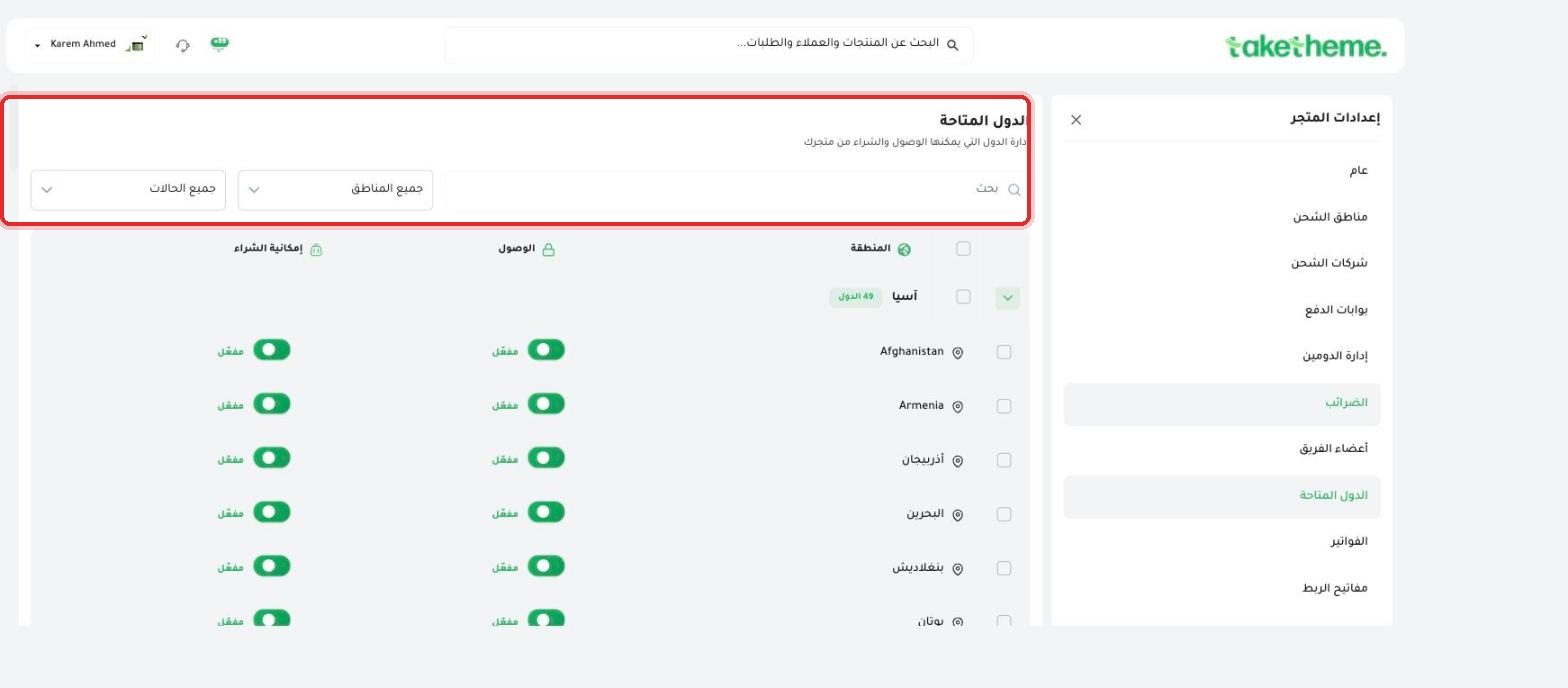
The description at the top of the page states it precisely: "Manage which countries can access and purchase from your store" — meaning there are two separate types of control for each country.
📍 (All Regions) and (All Statuses) filters and a search box at the top of the countries list
3
Use the Regions filter to narrow countries by continent (such as Asia, which had 49 countries in the example we tested), or the search box to quickly reach a specific country.
4
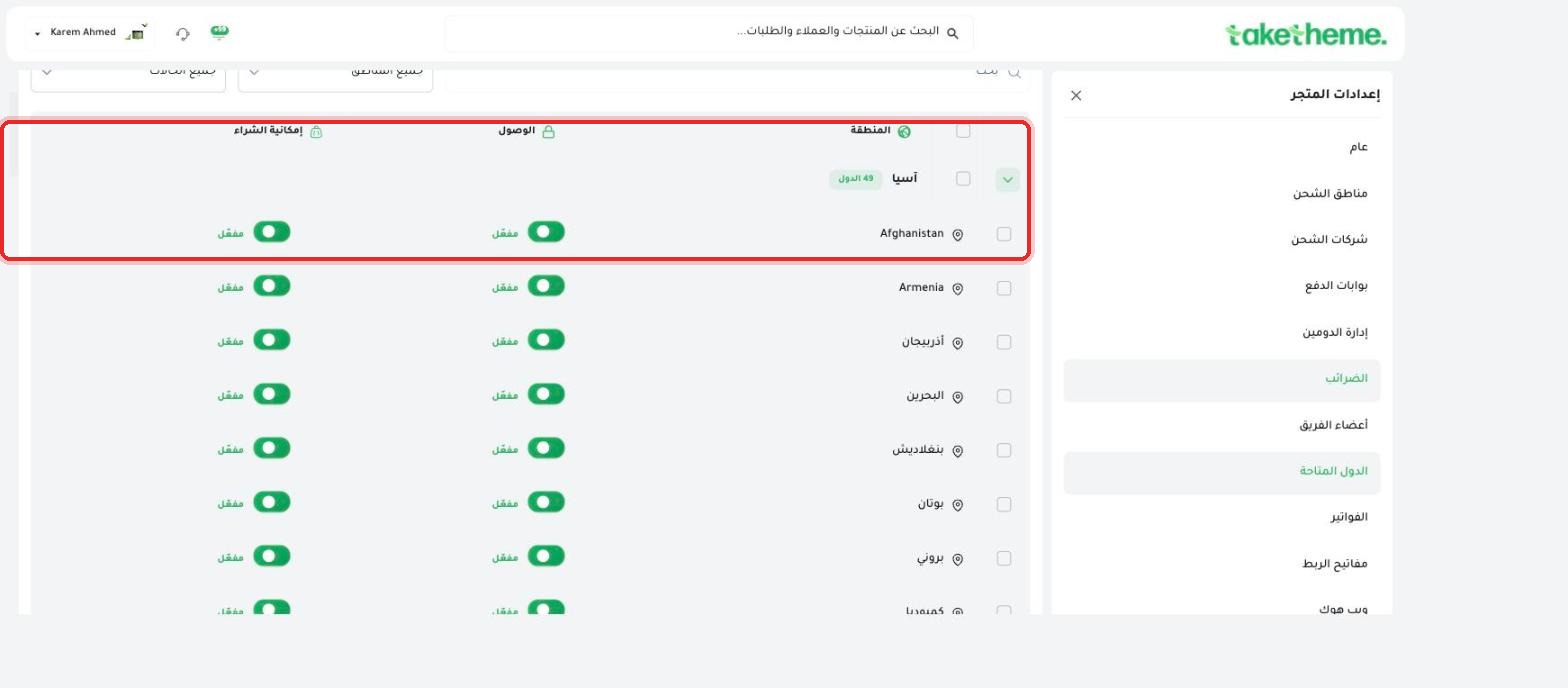
Each country has two independent on/off toggle columns: Access (whether your store's link can be opened at all from that country) and Can Purchase (whether an actual purchase can be completed from it).
📍 Access and Can Purchase toggles enabled for each country in the Asia list
💡 You can allow a specific country to access your store (browse products) without allowing it to complete an actual purchase — useful if you're gradually expanding into new markets and want to test interest before opening full sales there.
❓ Frequently Asked Questions
If I disable (Access) for a specific country, what will a visitor from it see?
We did not test the actual visitor experience from a country with access disabled — most likely a message appears explaining that the store isn't available in their region, but this wasn't directly verified in this session.
Can I disable purchasing for a country but leave access enabled?
Yes, the two toggles (Access and Can Purchase) are completely independent for each country as we saw in the table — you can disable one and leave the other on freely.
Available CountriesInternational ShippingGeneral Settings