Adding, editing and organizing your catalog
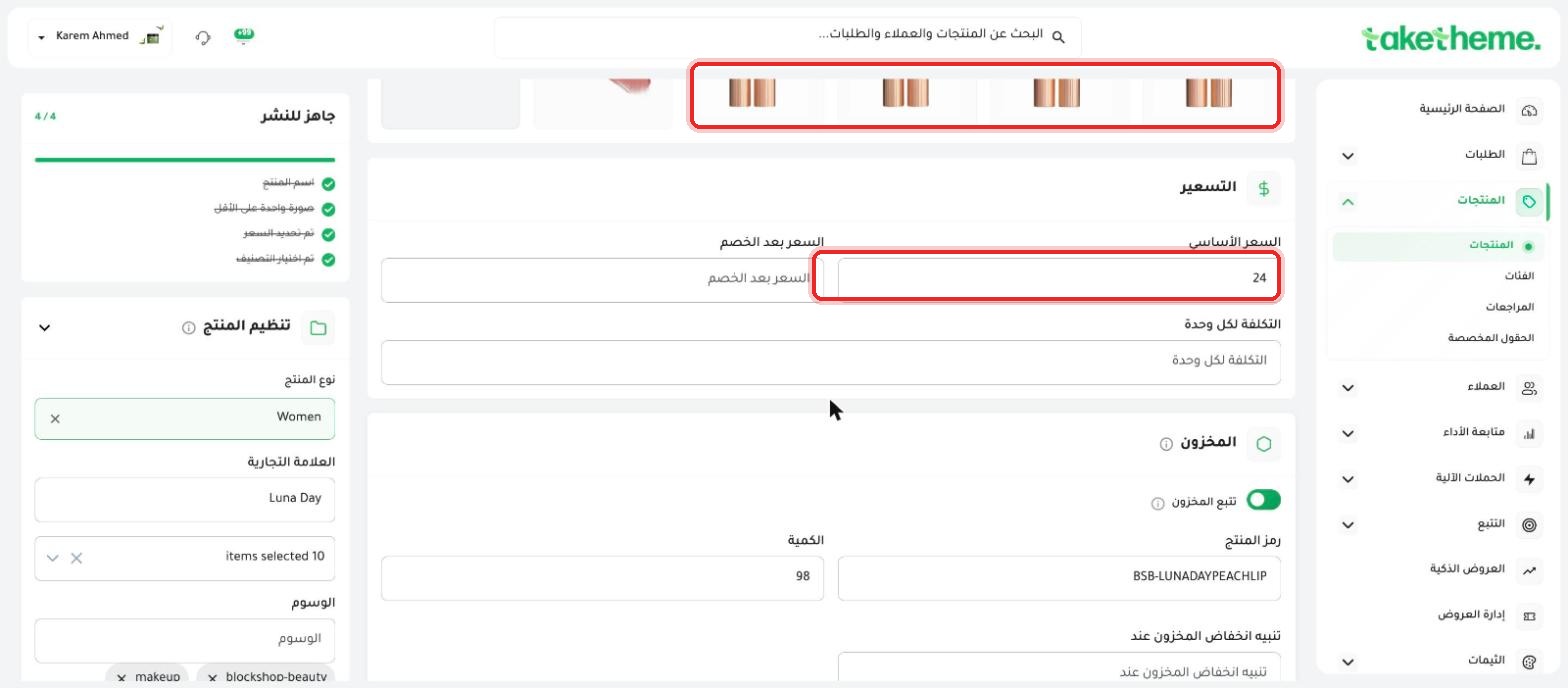 Adding a New Product
A complete guide to creating and publishing a product with all its core fields.
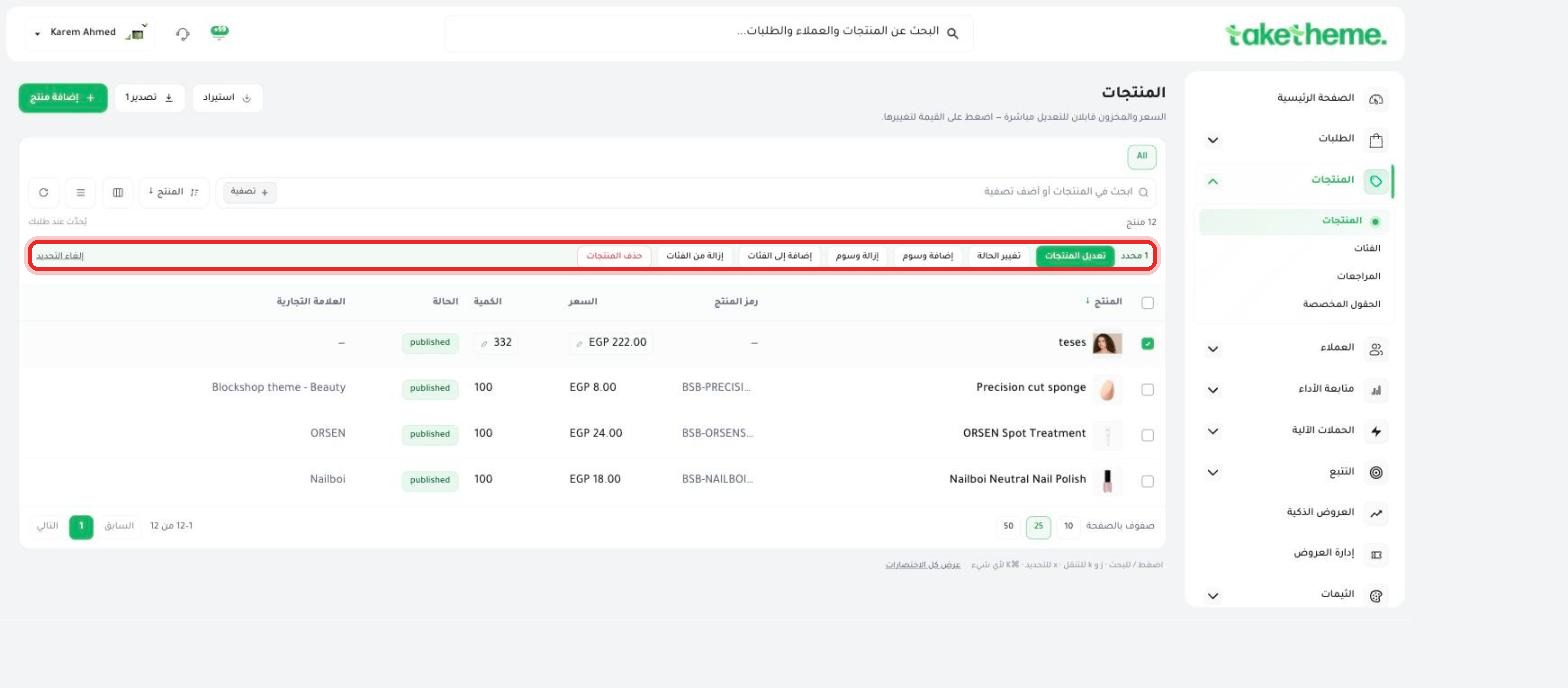 Bulk Editing Products
Change the status, tags, or categories of multiple products at once.
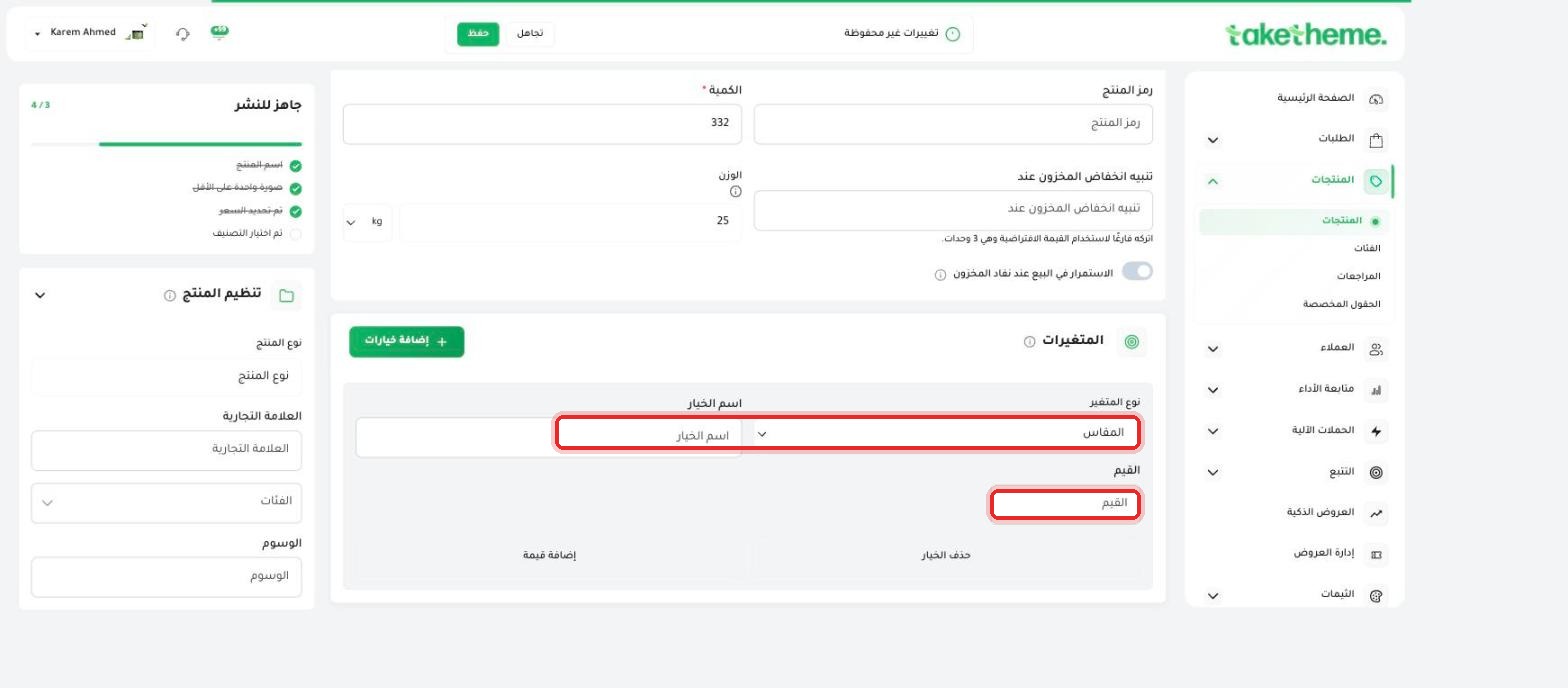 Setting Up Options and Variants
Sell the same product in different sizes or colors with independent price and stock.
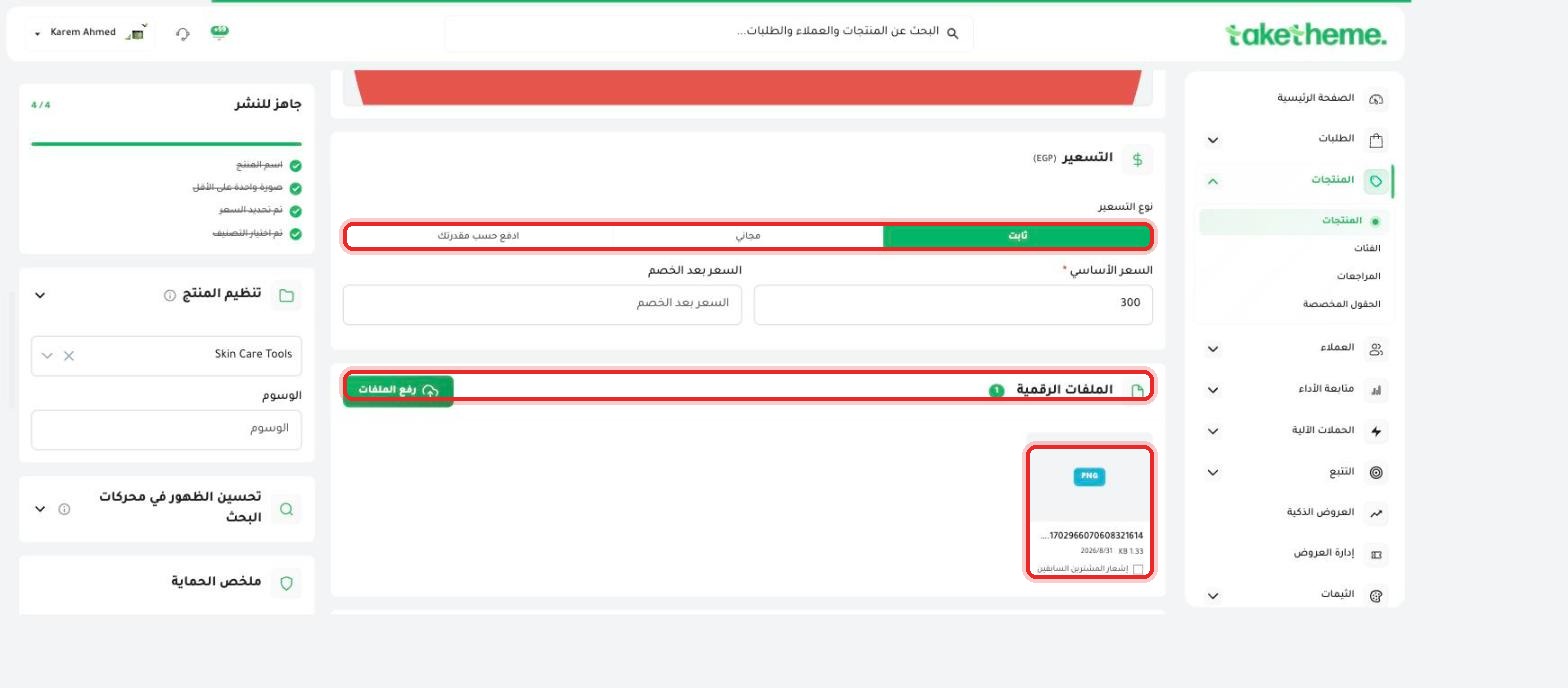 Digital Products and Files
Sell digital files instead of physical products that need shipping.
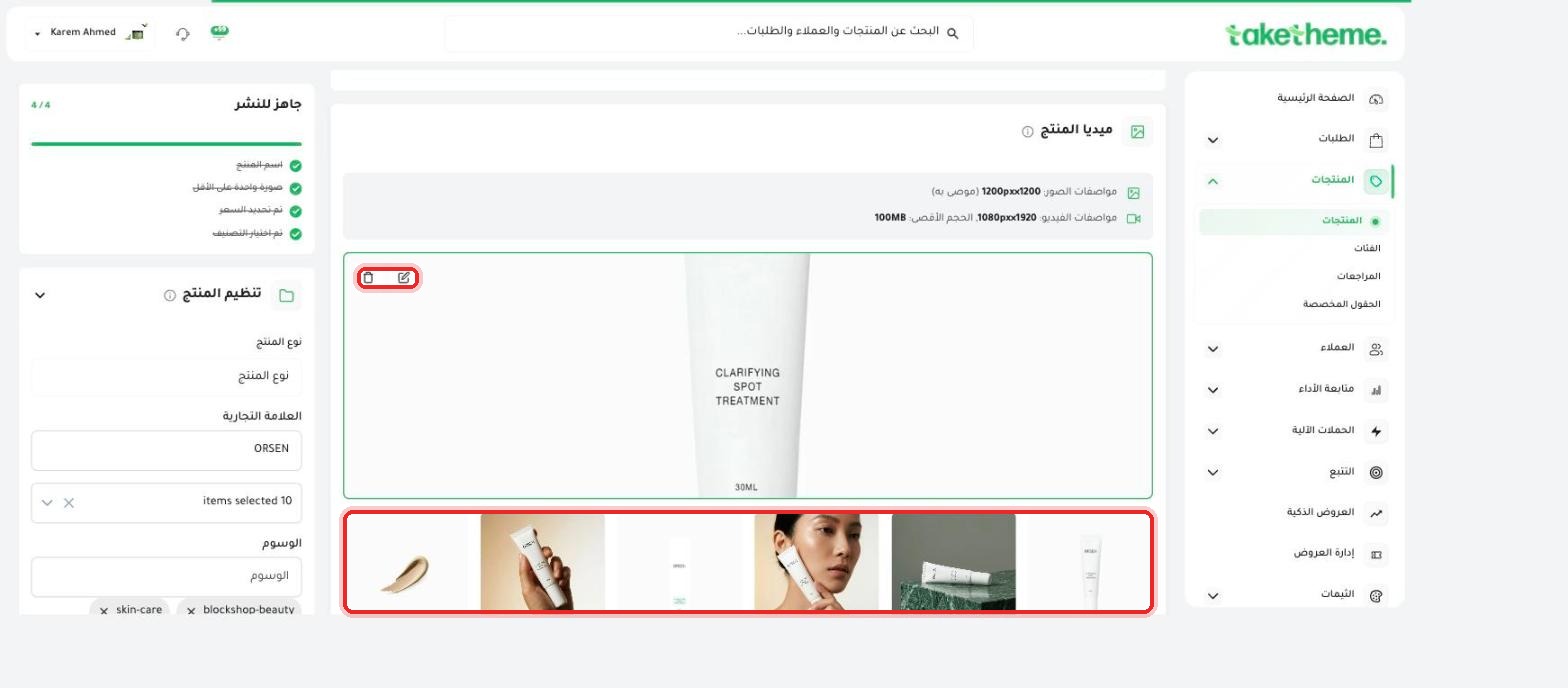 Uploading and Ordering Product Images
Upload your product's images and arrange them the way they appear to the customer.
 Importing Products via CSV / Excel File
Add dozens of products at once with a ready-made Excel file.
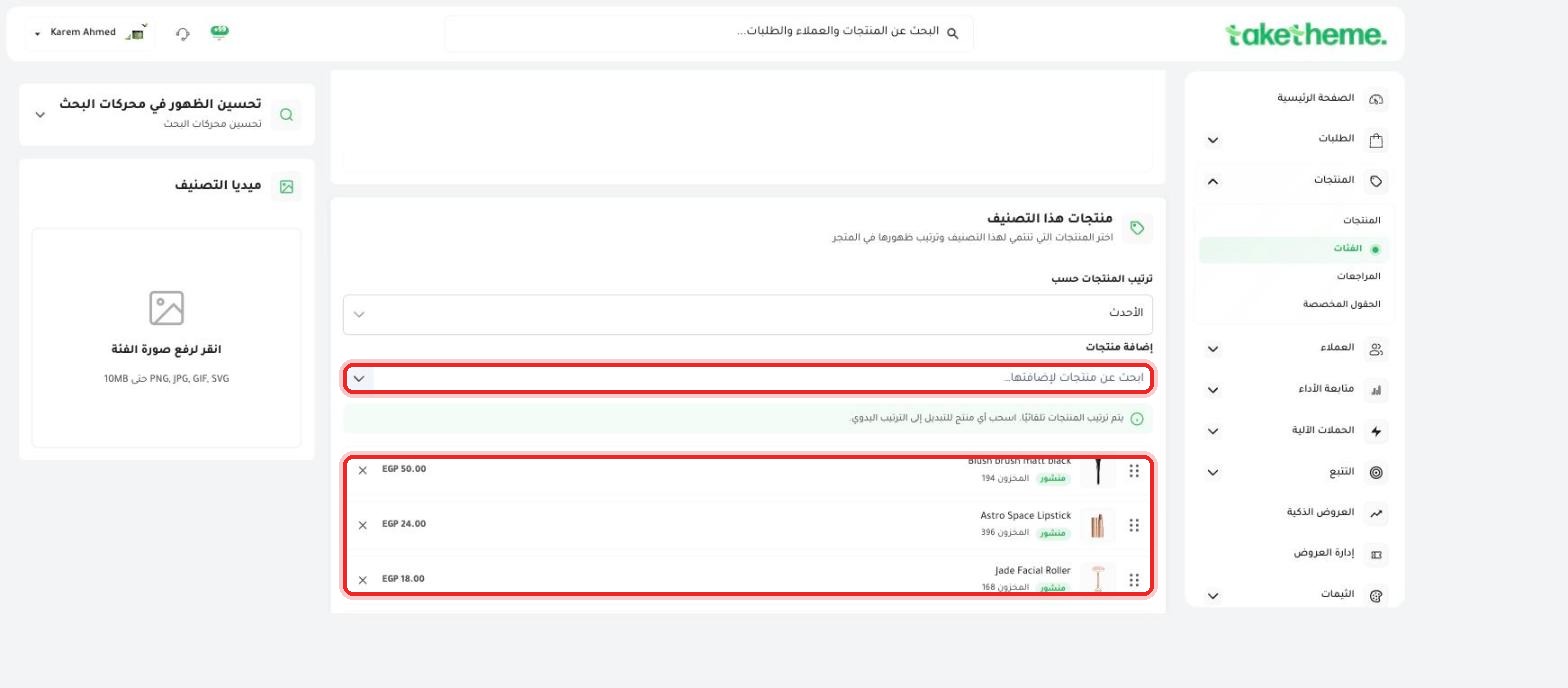 Product Categories and Filters
Organize your products into categories, and search them with quick filters.
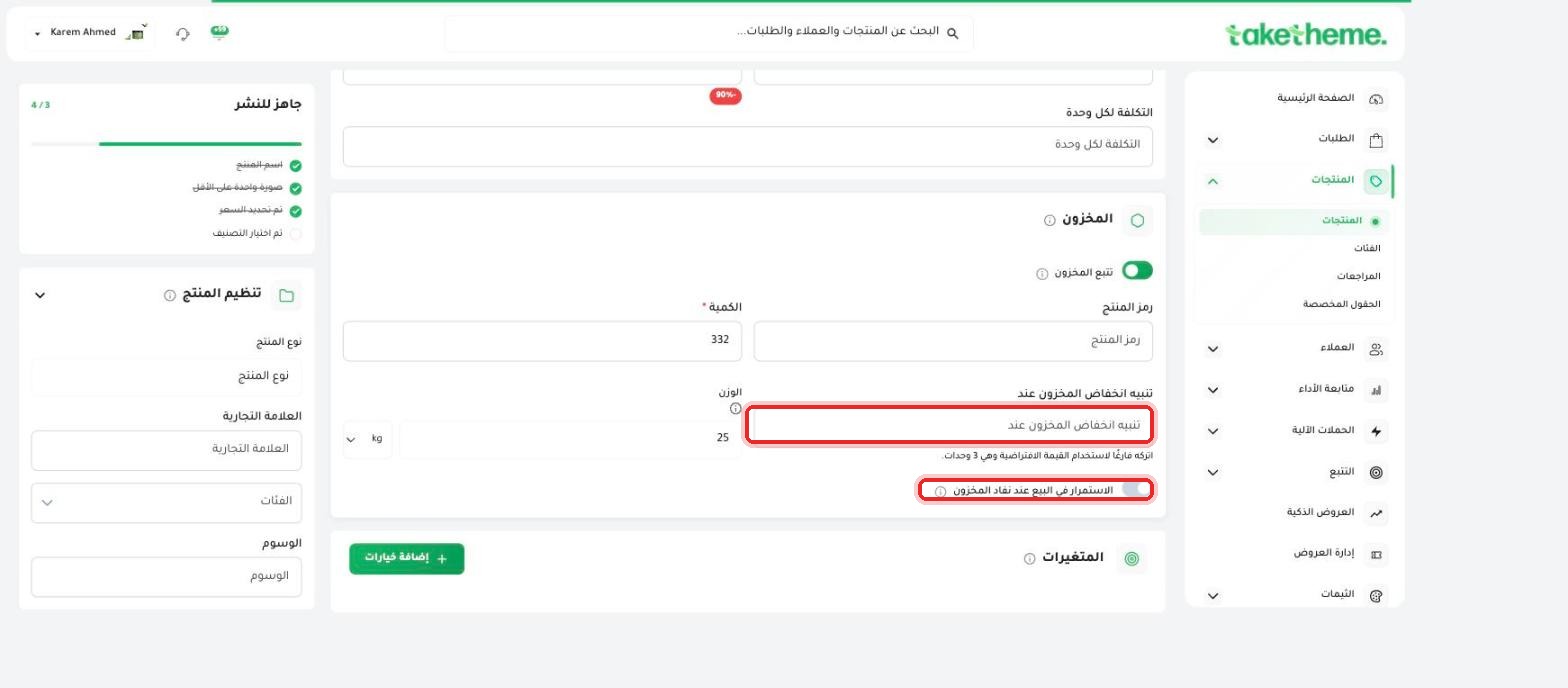 Low Stock Alerts
Set the low-stock alert threshold, and decide whether to keep selling once stock runs out.
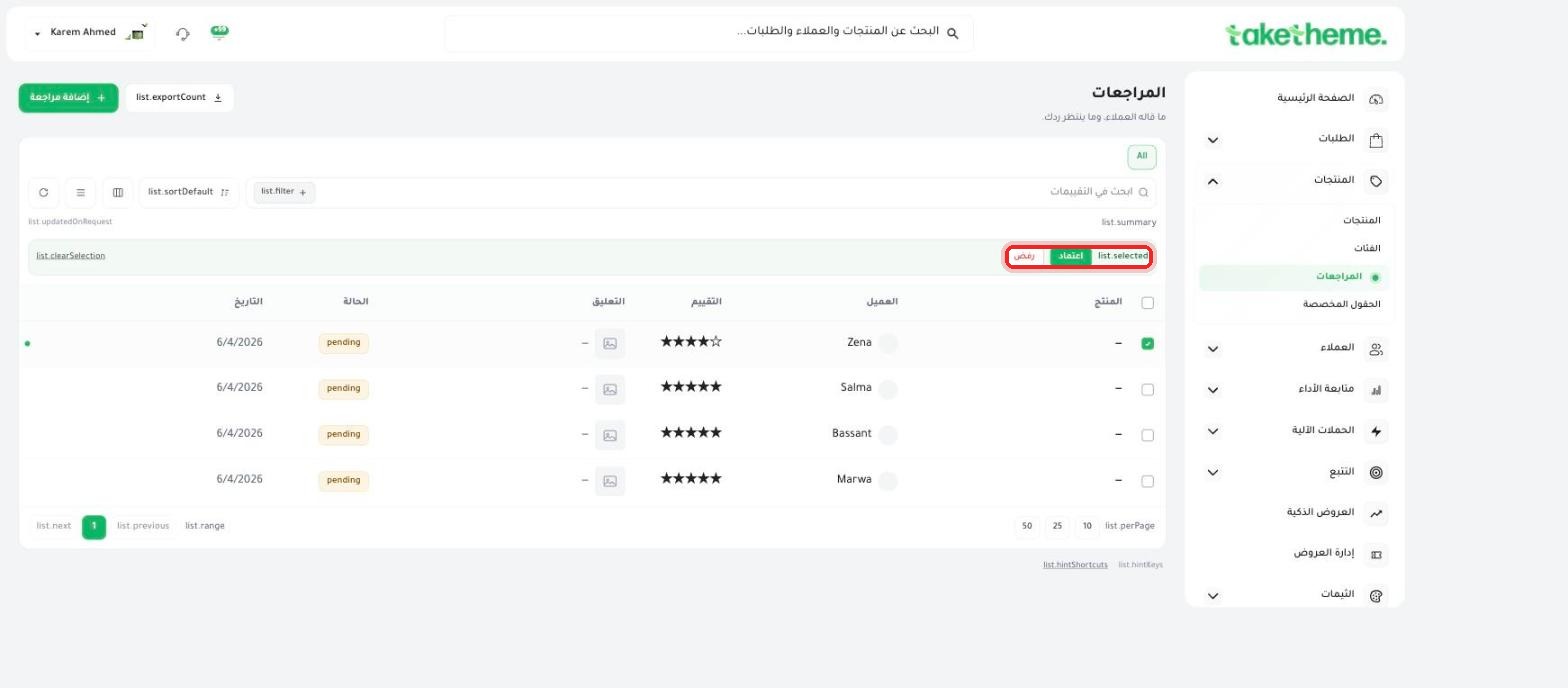 Managing Product Reviews
Approve or reject customer reviews before they appear on your store.
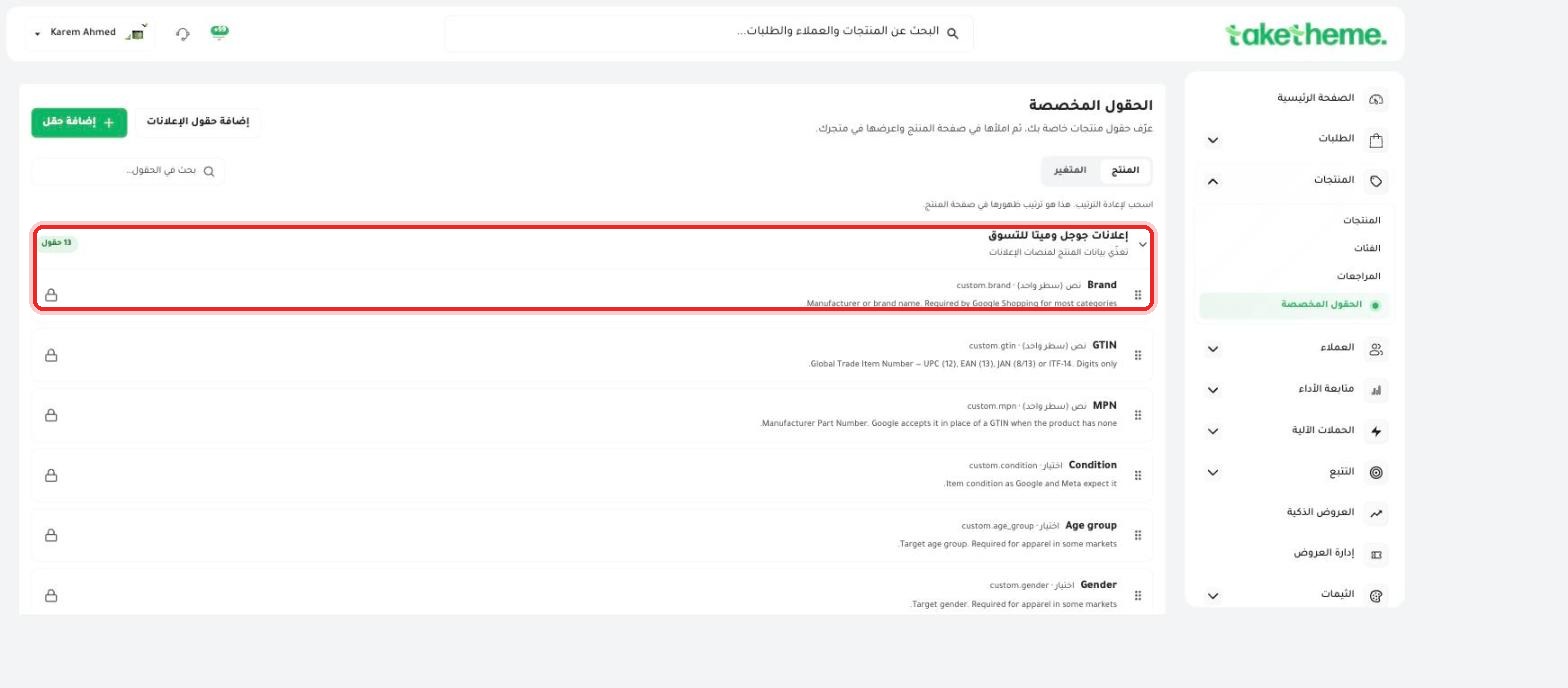 Custom Fields for Products (Metafields)
Add extra data to your products that isn't in the standard form.
Frequently Asked Questions About ProductsQuick answers to the most common questions about managing products.
Go to Products → Add Product, enter the name, price, images and description, then save to publish it instantly.
Select several products from the list and use "Bulk Edit" to change price, stock or category for all of them at once.
Add variants like size and color from the "Options" tab inside the product page; each variant has its own price and stock.
Enable the "Digital product" type and upload the file; the download link reaches the customer automatically right after payment.
Upload several images per product and drag to reorder them; the first image shows as the main image in the store.
ابدأ اليوم
3-day trial · no credit card

