Builder · sections · widgets
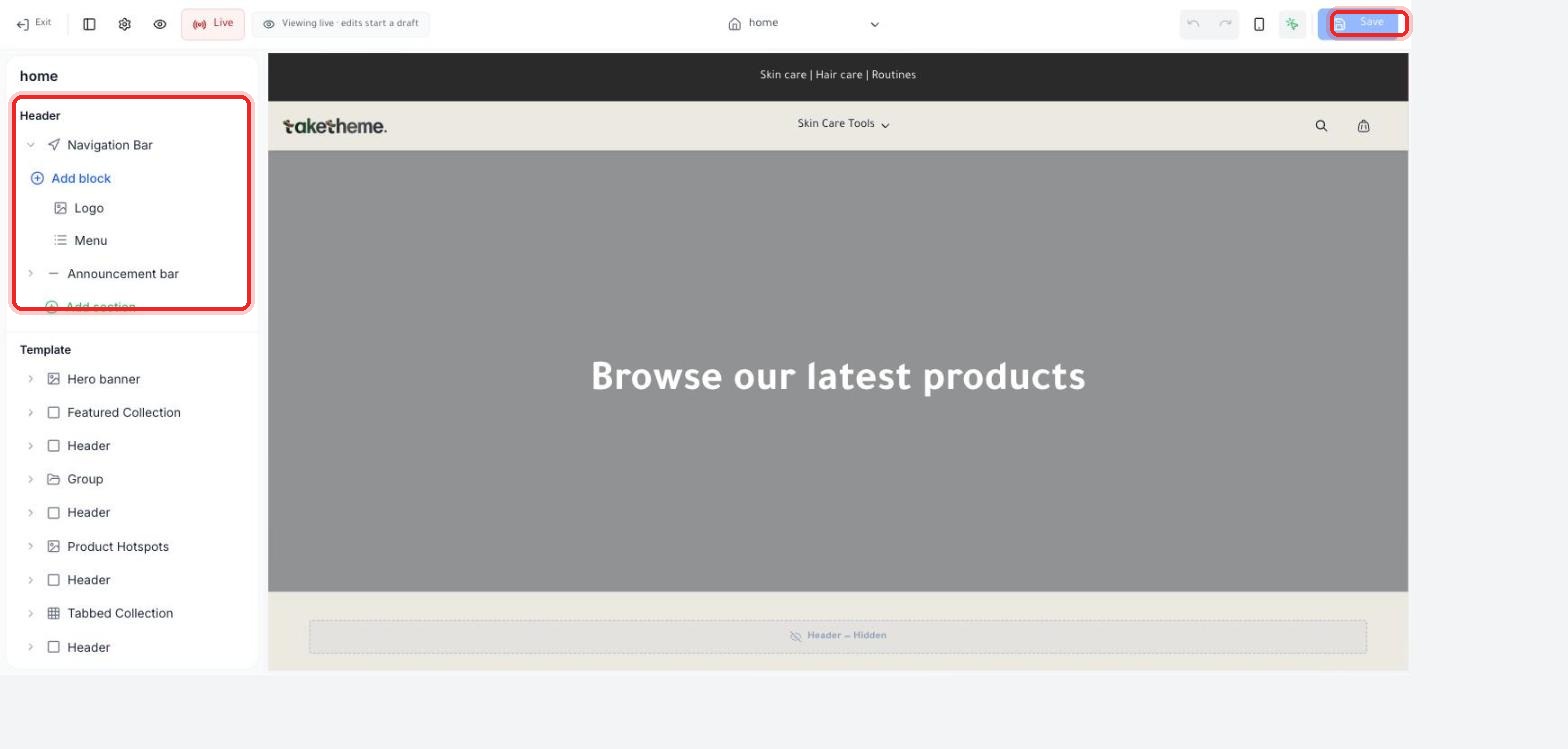 Visual Builder Basics
Get familiar with the theme editor interface and how to navigate it before you start customizing your store's design.
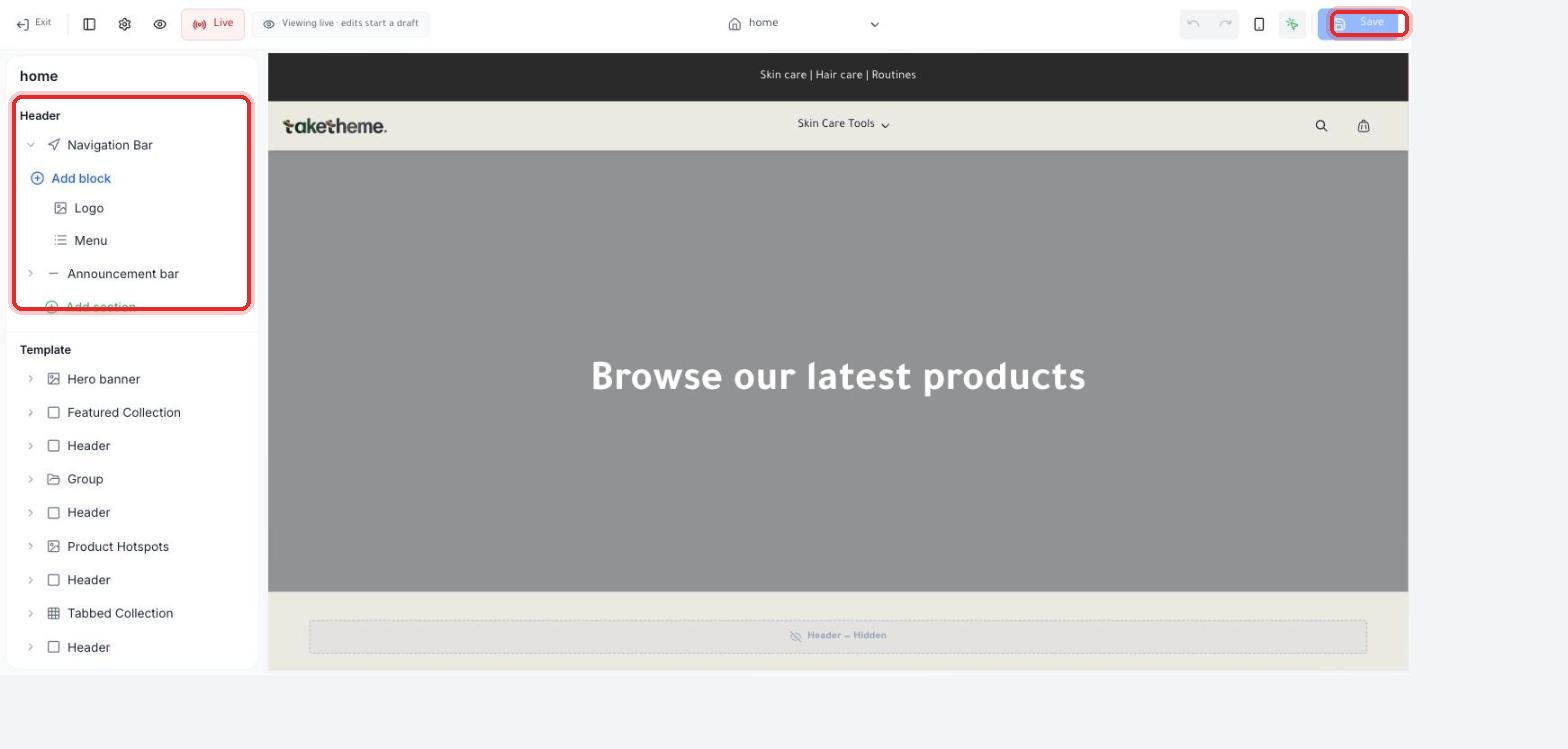 Adding New Sections and Widgets
How to add and arrange sections and blocks on your store's pages from the theme editor.
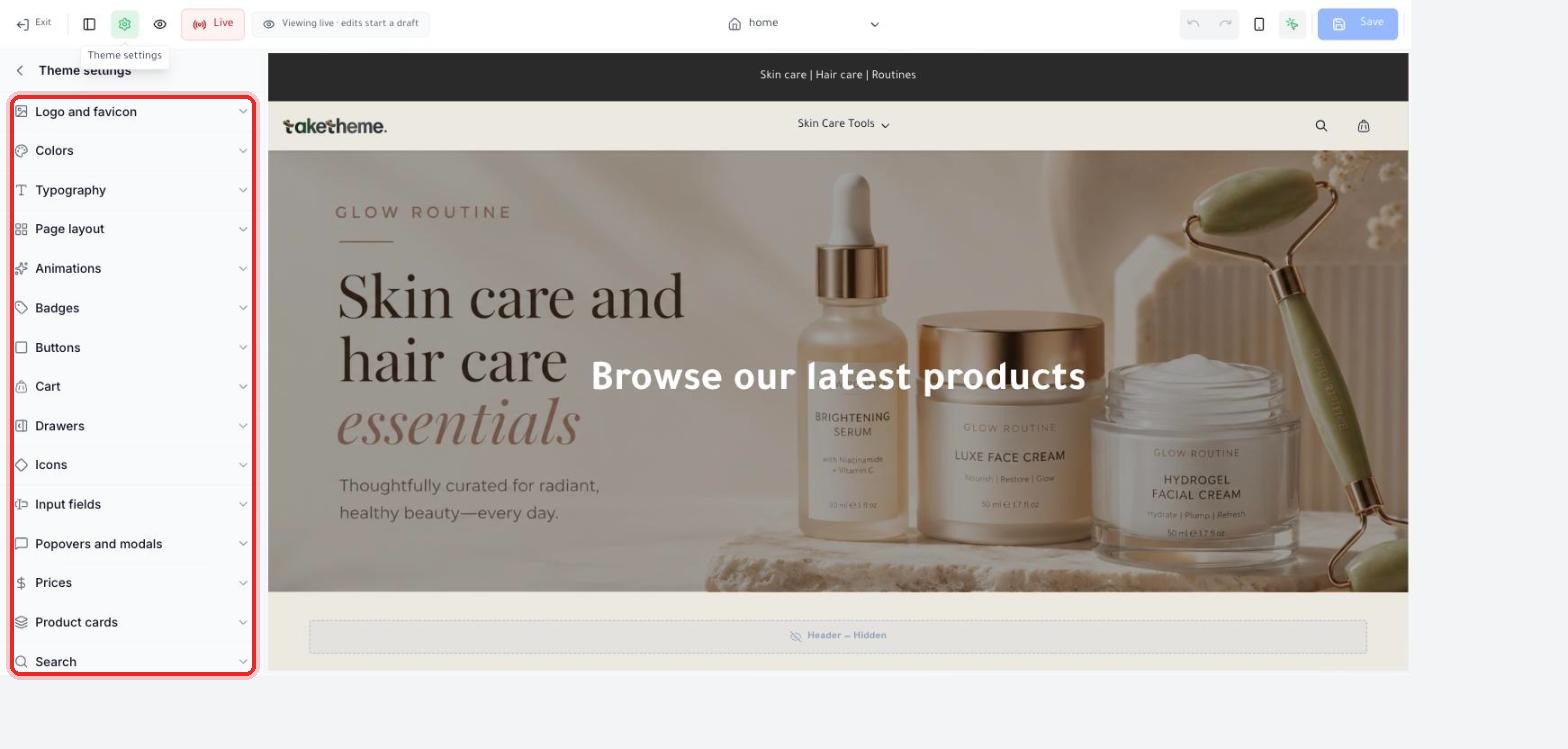
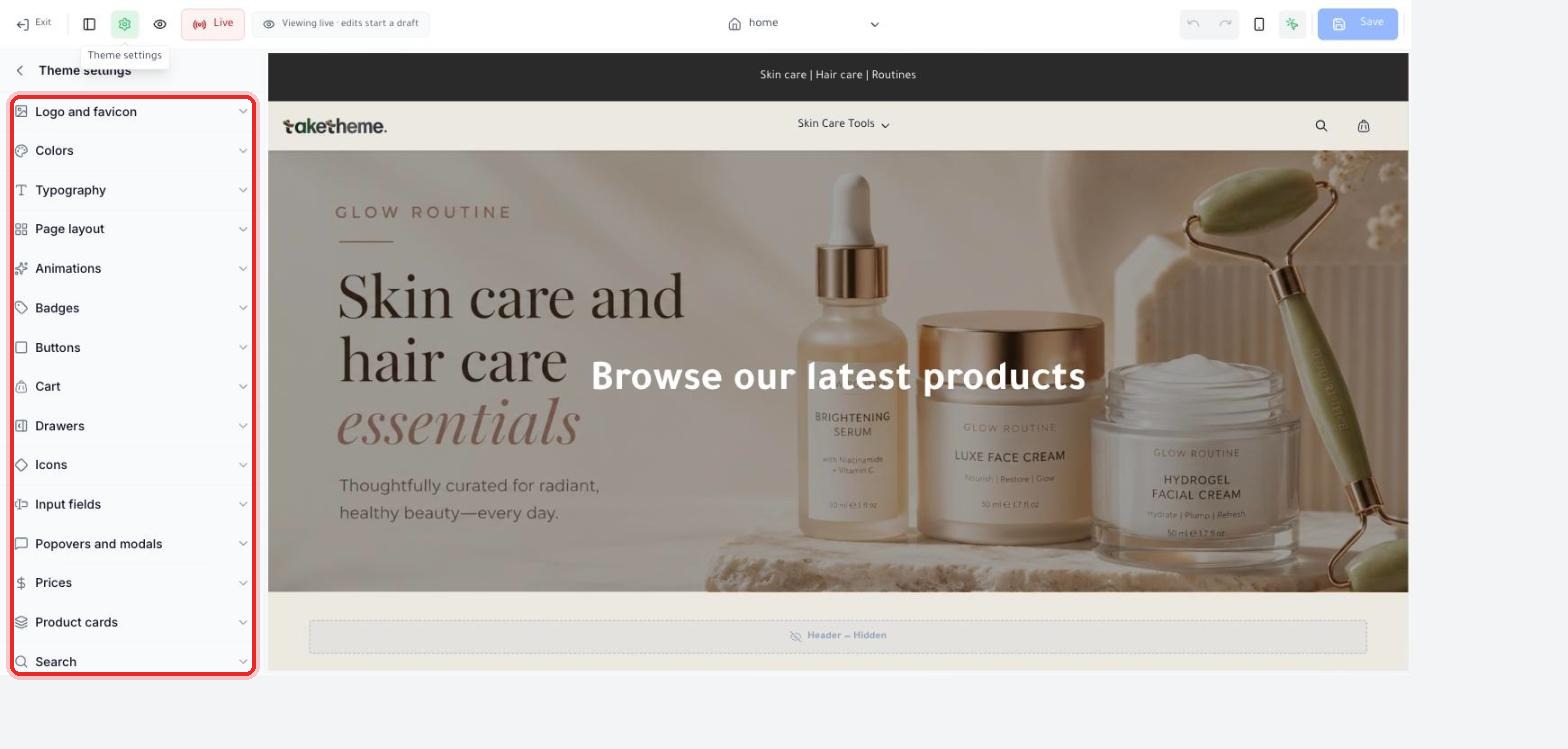
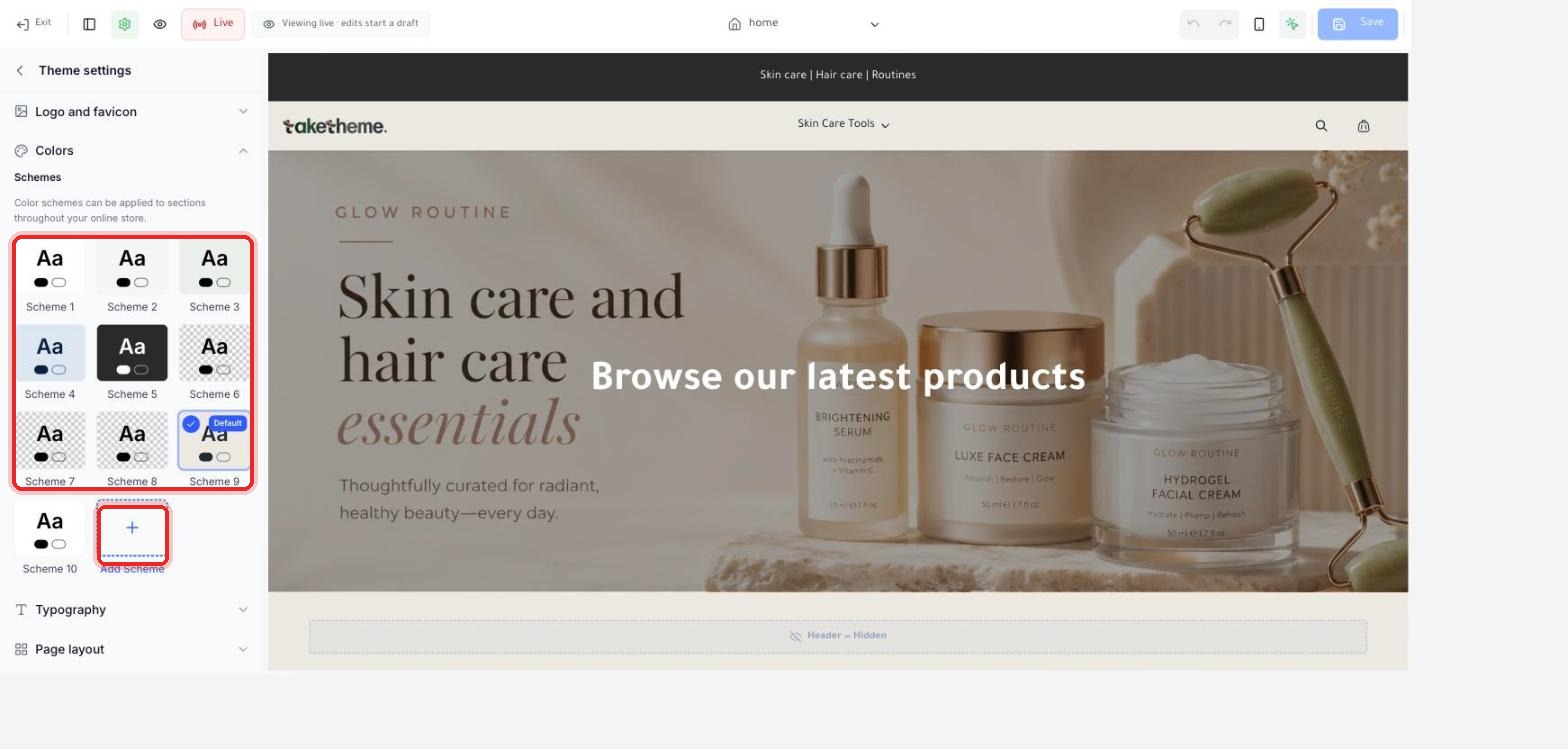 Customizing Colors and Fonts
Change your store's color schemes and fonts from the theme settings without writing a single line of code.
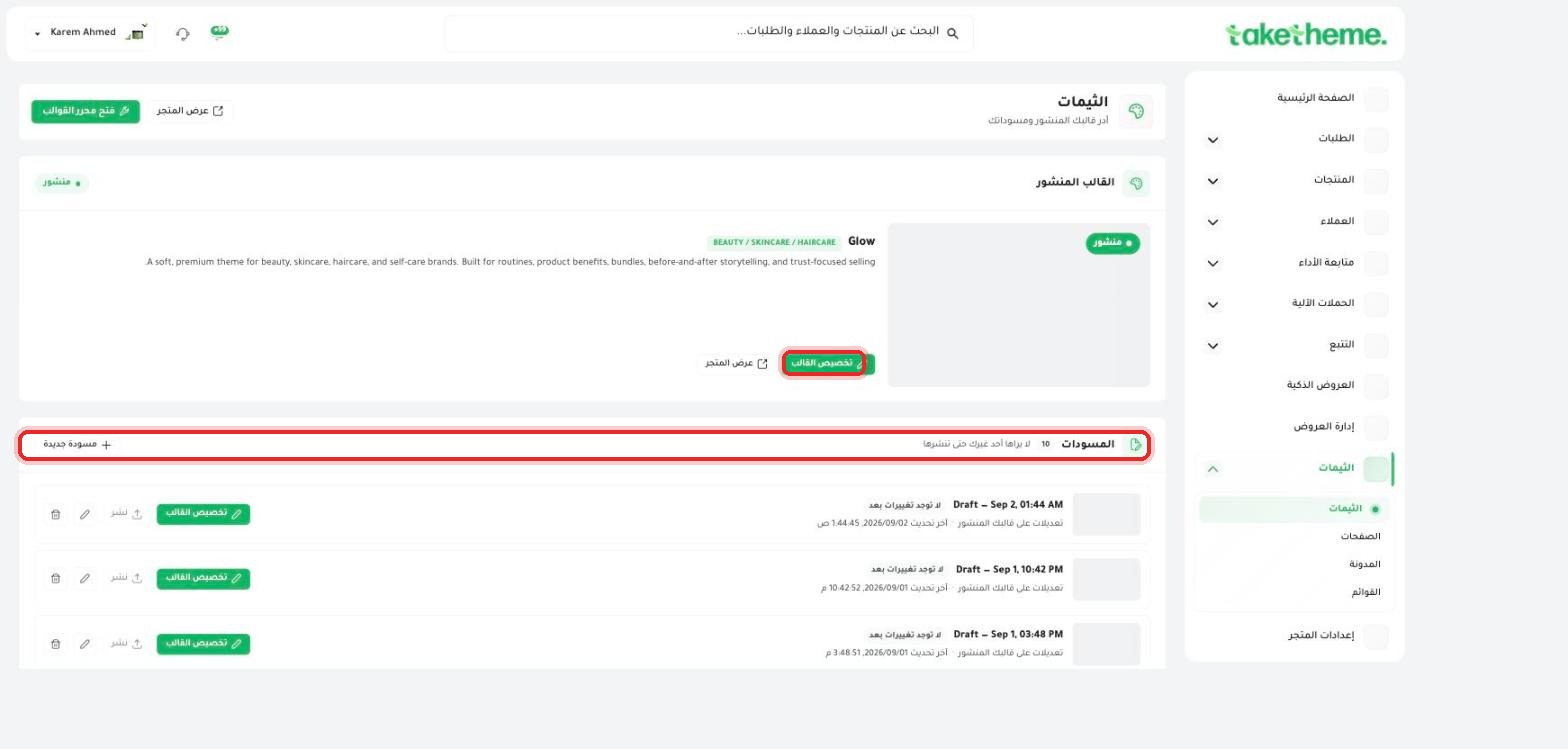 The Right Theme for Your Store Type
How to choose and evaluate the right theme for your product category before publishing it.
 Custom CSS for Developers
Can developers write custom CSS in TakeTheme? And what's the currently available alternative.
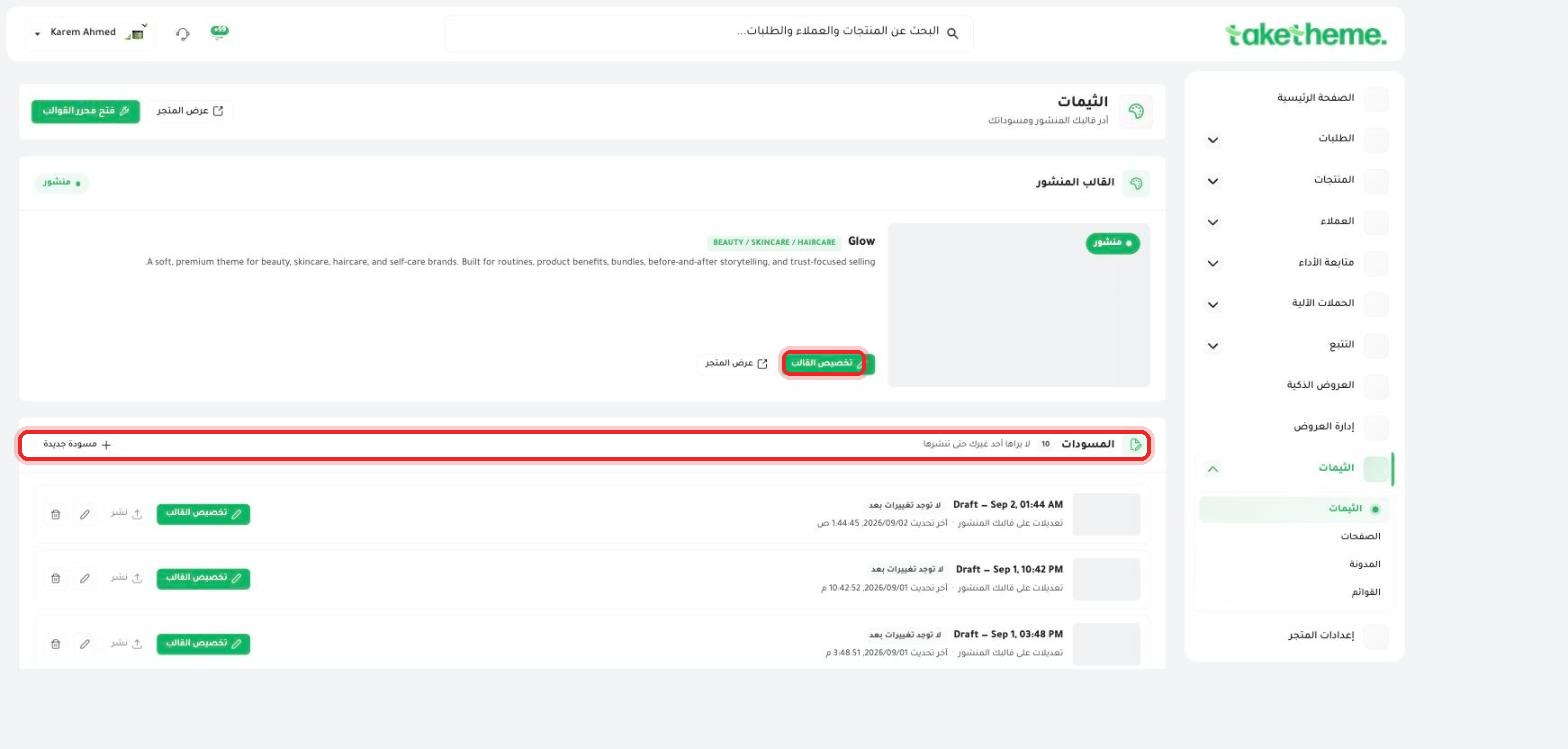 Switching Themes Without Losing Your Data
Use the draft system to safely try new themes before publishing them to your customers.
 Improving Your Store's Loading Speed
There's no built-in speed measurement tool in the dashboard yet — here are the alternatives and practical steps to improve it.
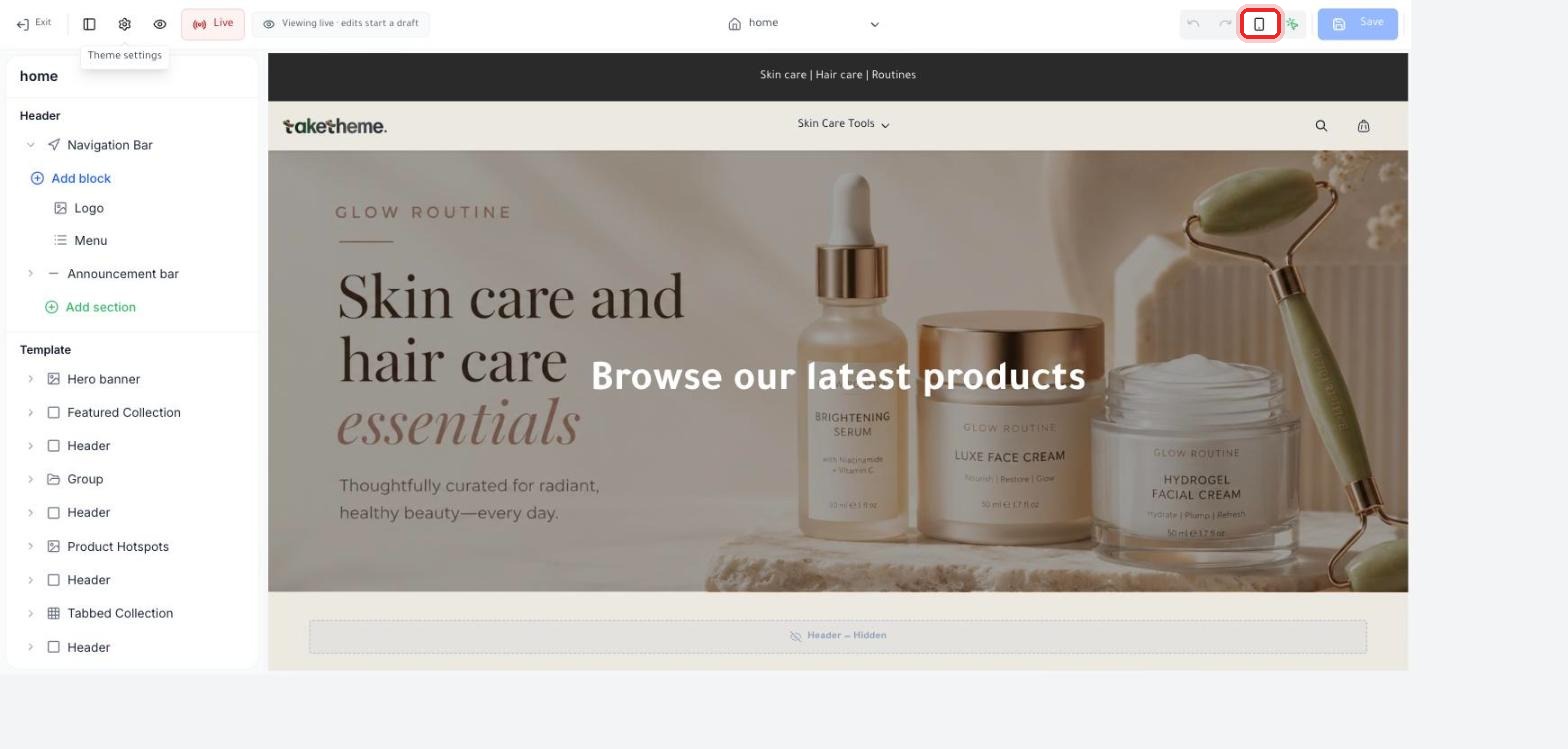 Previewing Your Store on Mobile Before Publishing
Use the mobile preview icon in the theme editor, and check the final look before you publish.
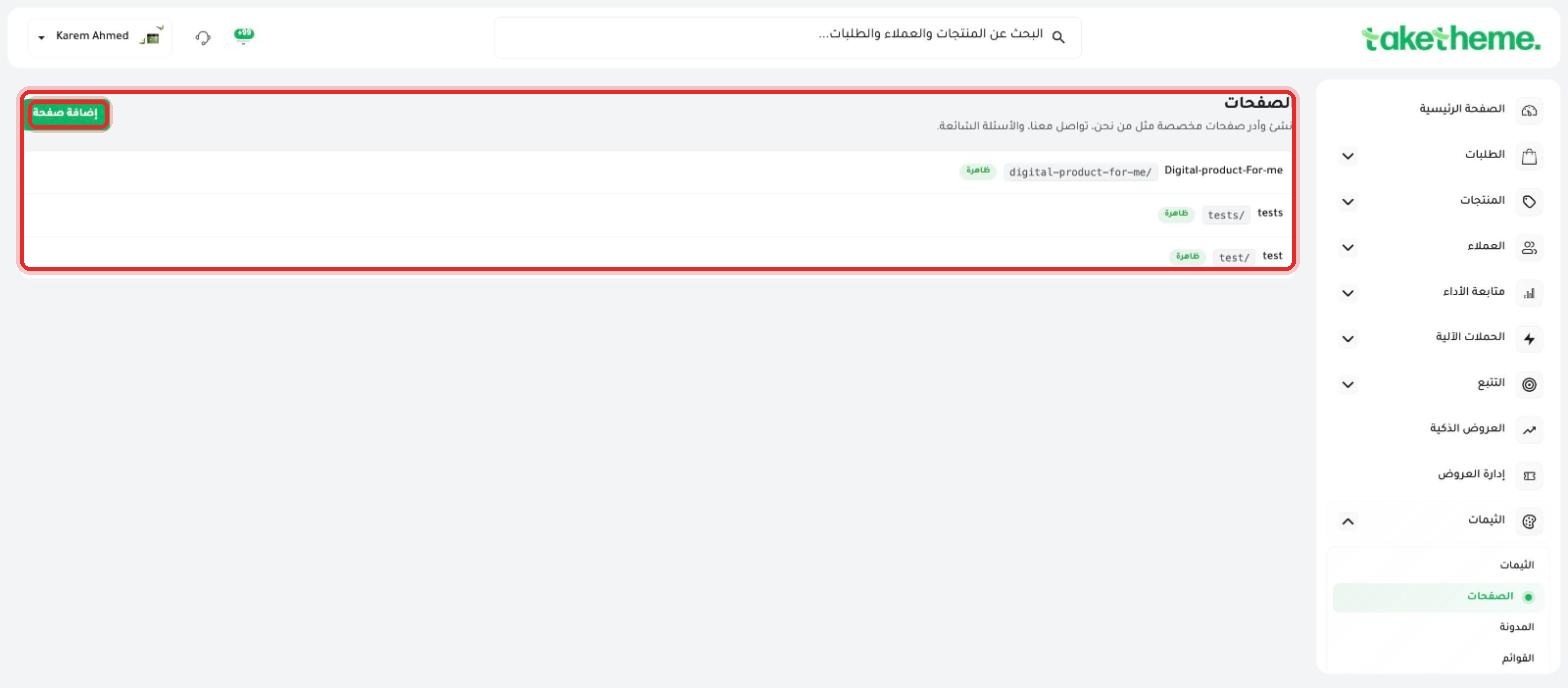 Creating Informational Pages
Create static pages like (About Us) and (Return Policy) and control their visibility.
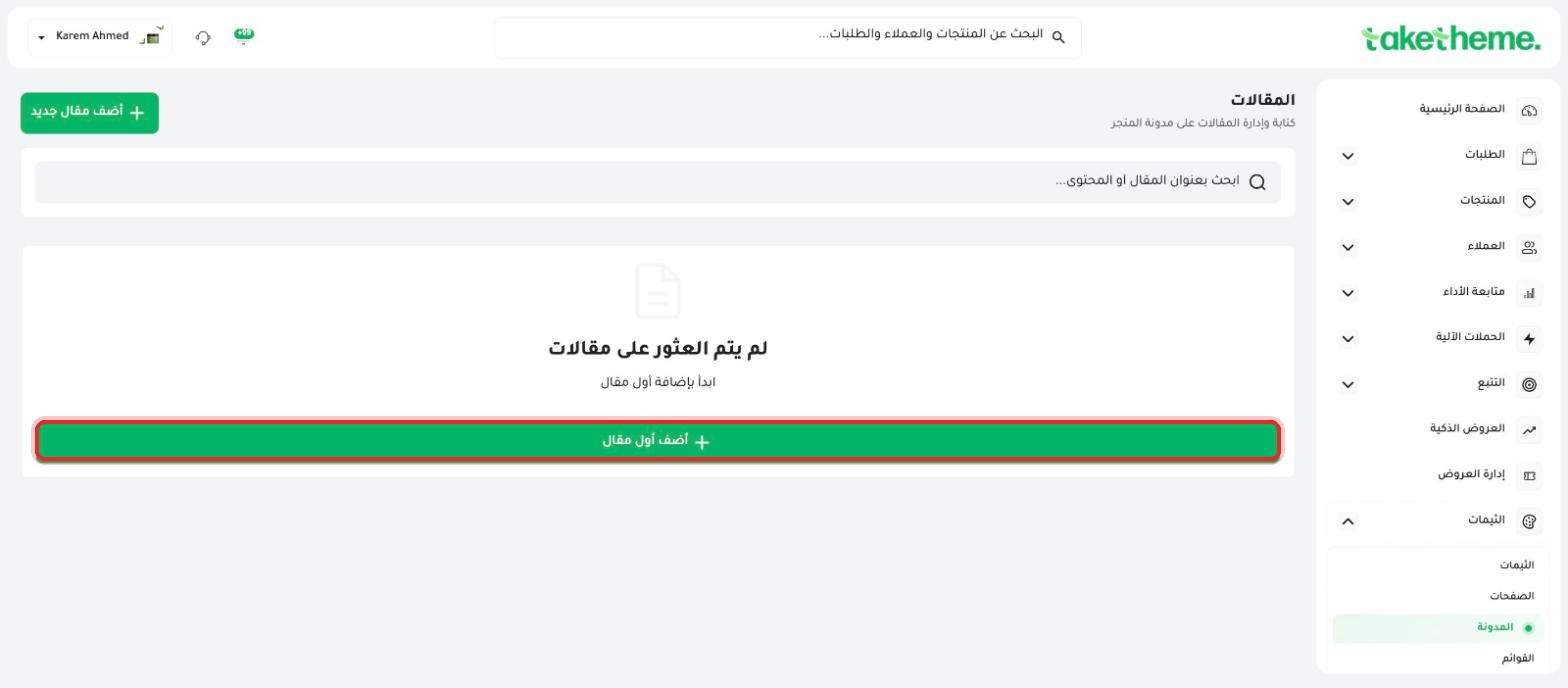 Managing Your Store's Blog
Create blog posts for your store from the new Blog section under Themes.
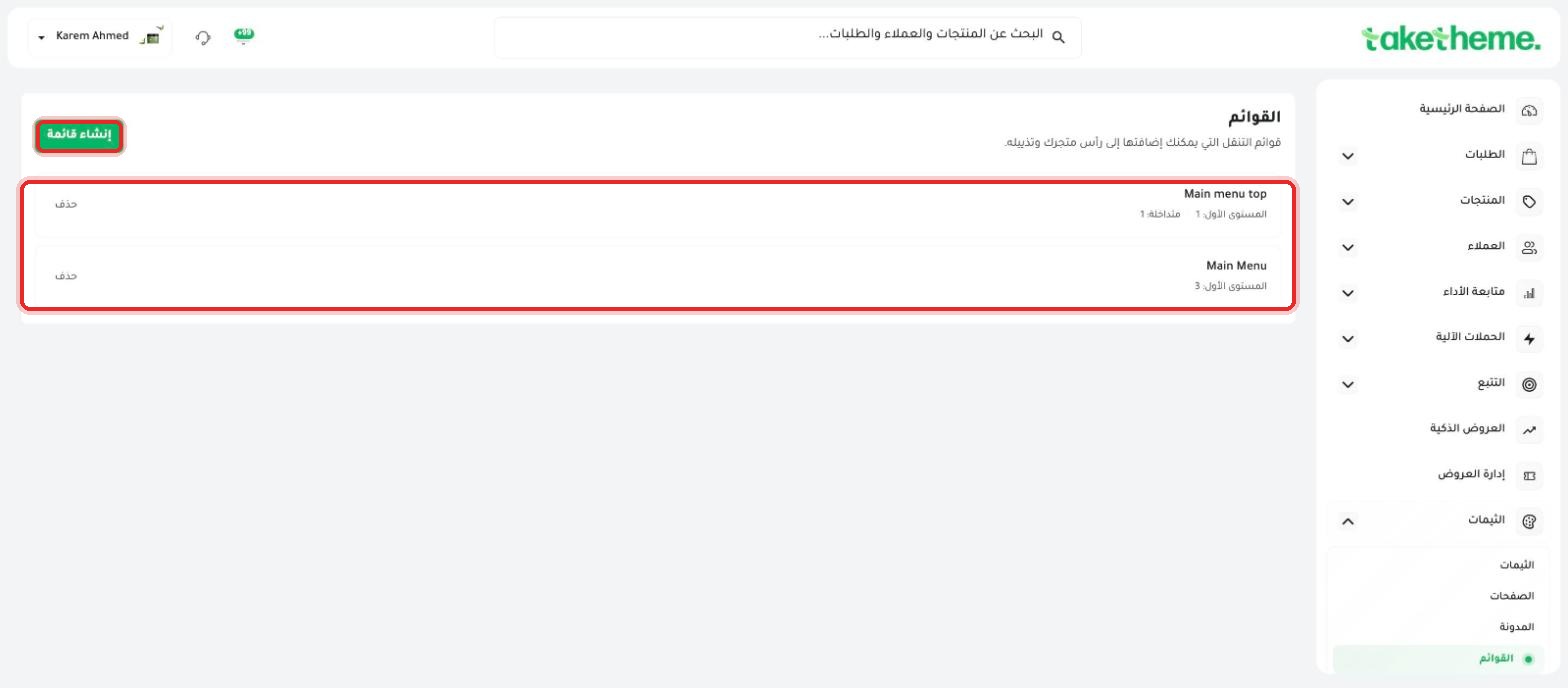 Customizing Navigation Menus
Create and reorder header and footer menu items in your store, including multi-level menus.
Frequently Asked Questions About DesignQuick answers to the most common questions about themes and the design editor.
Drag any section from a library of 104 sections and 75 widgets and drop it wherever you want on the page — no code required.
Open the builder from the store editor, pick a category (Hero, Products, Offers, Reviews, Content) and drag what fits.
From Appearance settings, change the color palette and base font across the whole store in a few clicks.
Choose from seven templates designed for different sectors (fashion, electronics, beauty, toys and more) — you can switch between them later without losing your data.
Add custom code to any single section from that section's settings panel when you need finer control over the design.
ابدأ اليوم
3-day trial · no credit card

