Customer list, import, and segmentation for targeted campaigns
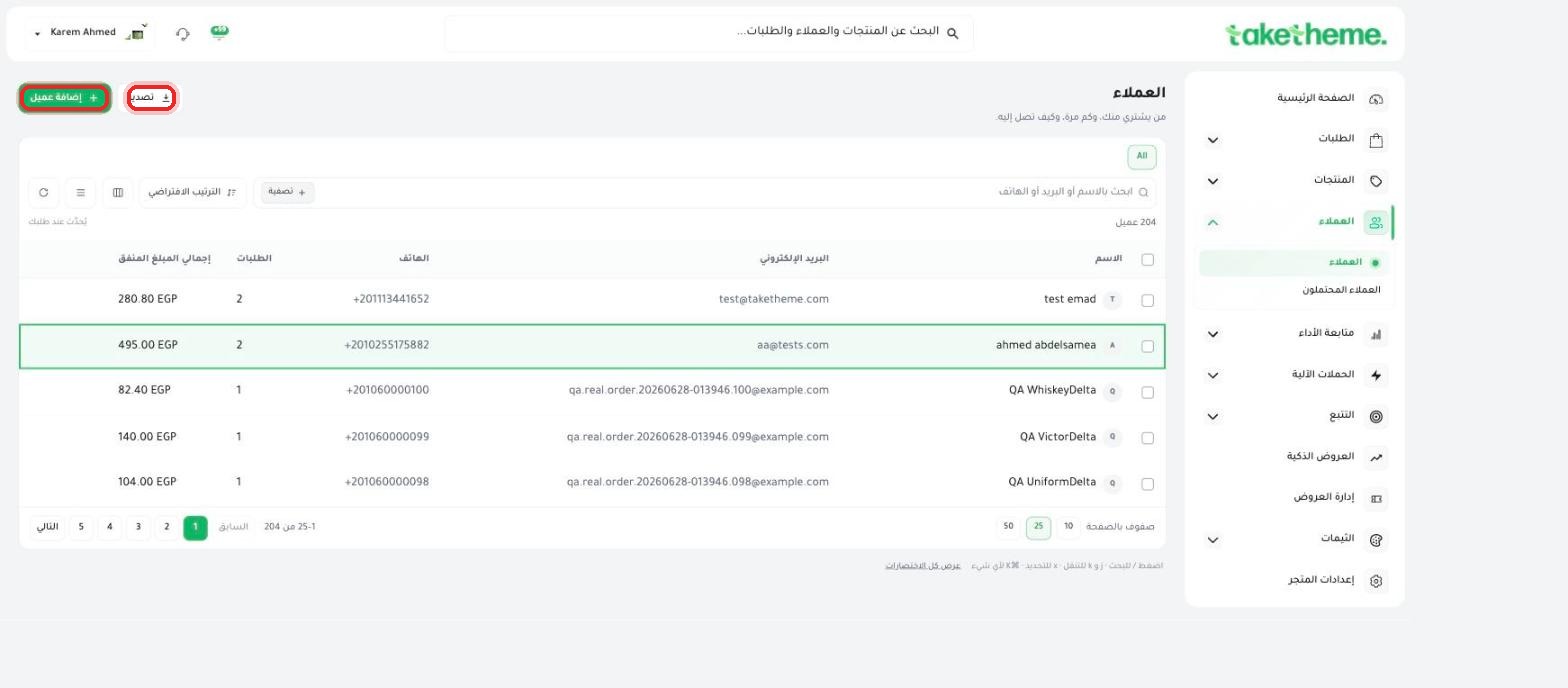 Managing the Customer List and Customer Profile
Browse your customer list, add customers manually, and get to know every detail of the customer profile.
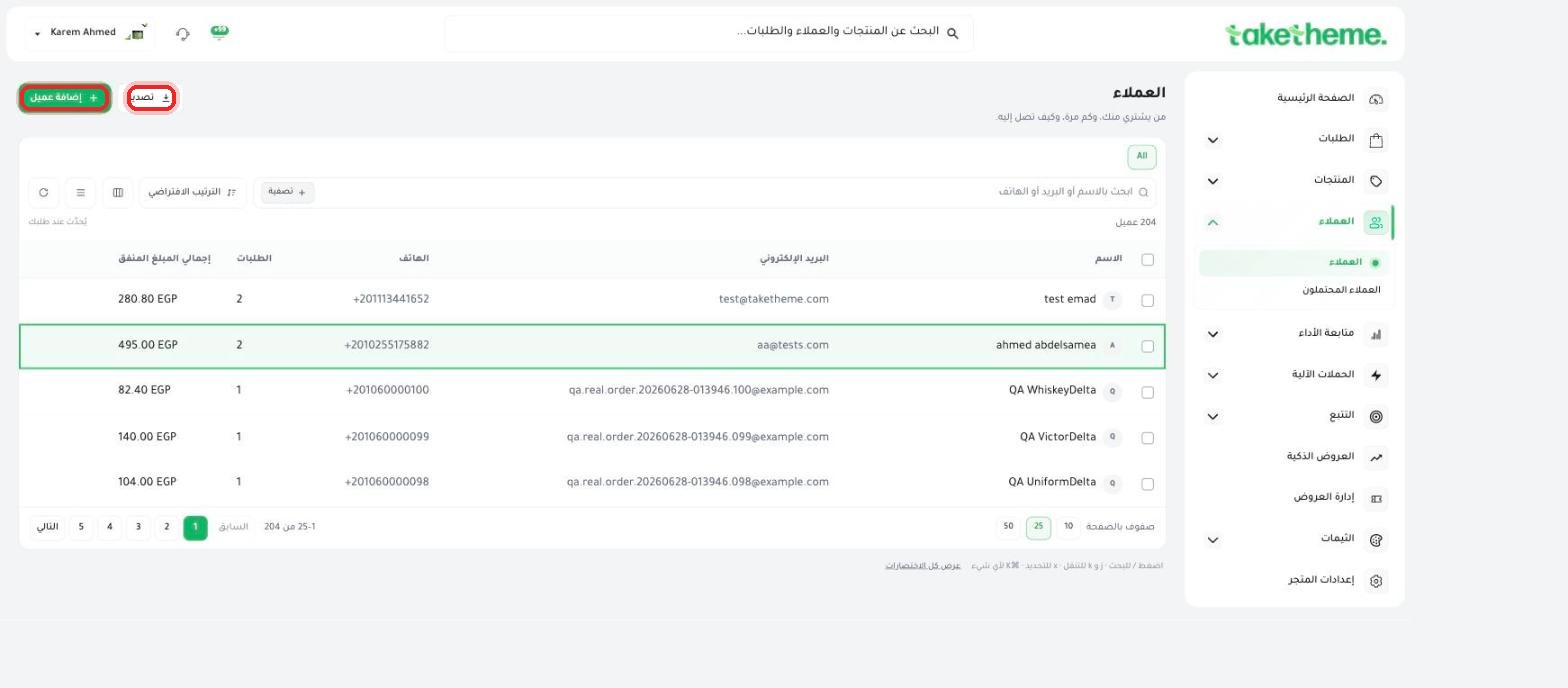 Importing a Customer List from a File
The current state of bulk-importing customer data and the available alternatives.
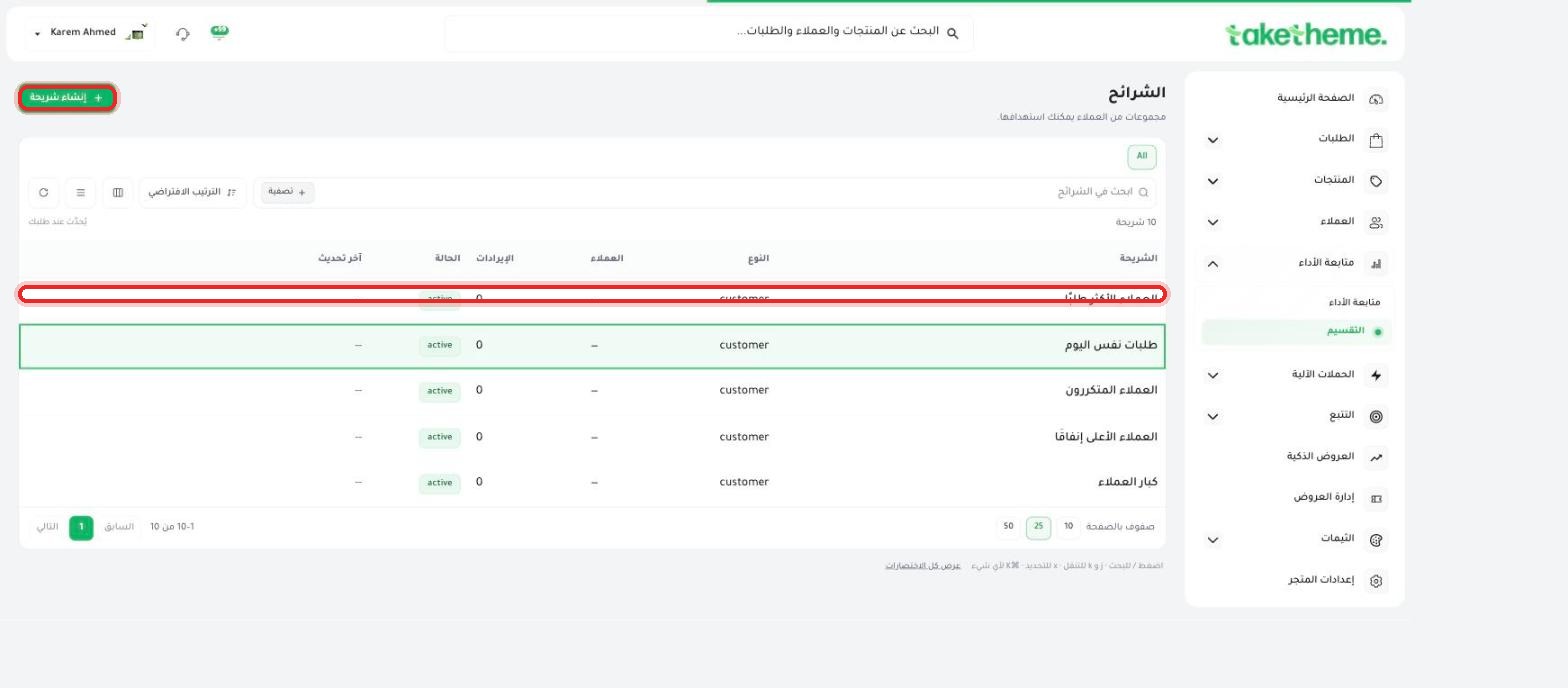 Segmenting Customers for Targeted Campaigns
Split your customers into custom segments based on purchase behavior to target them with more precise campaigns.
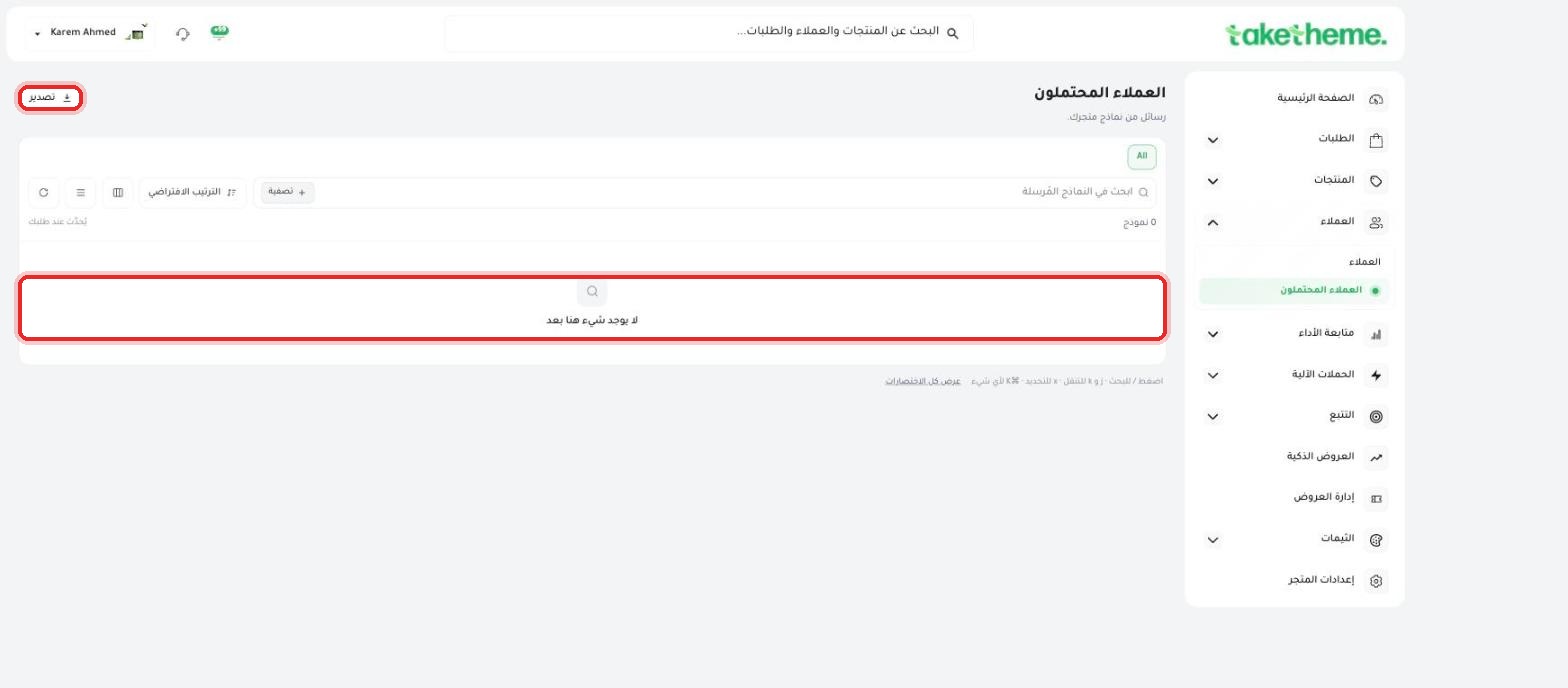 Contact Form Submissions from Your Store
Receive and review contact form messages from your store via the Leads page.
Frequently Asked Questions About Managing CustomersQuick answers to the most common questions about managing customers.
From Customers → Customers, click "+ Add customer" and fill in the first and last name, plus at least an email or phone number.
No, bulk customer import from a file isn't available in the dashboard yet (unlike product import). Manual add or automatic sign-up from the storefront are the only ways in.
On the customer's own profile (click their name in the list) you'll find a stats bar at the top showing days as a customer, total orders, and total amount spent.
Use the "Segments" feature under performance tracking, which lets you build a customer segment with custom rules (like top spenders or most frequent buyers) or use one of 10 ready-made segments.
Yes, from Customers → Leads. This page collects every contact-form submission from your store in one exportable table.
No, deleting a customer only removes their account — their order history stays intact on the Orders page separately.
ابدأ اليوم
3-day trial · no credit card

