Customize your analytics dashboard with your preferred metrics — and why there's no direct export button right now.
Last updated: 2026-09-09
🔧 Customizing and Expanding Your Reports Dashboard
1
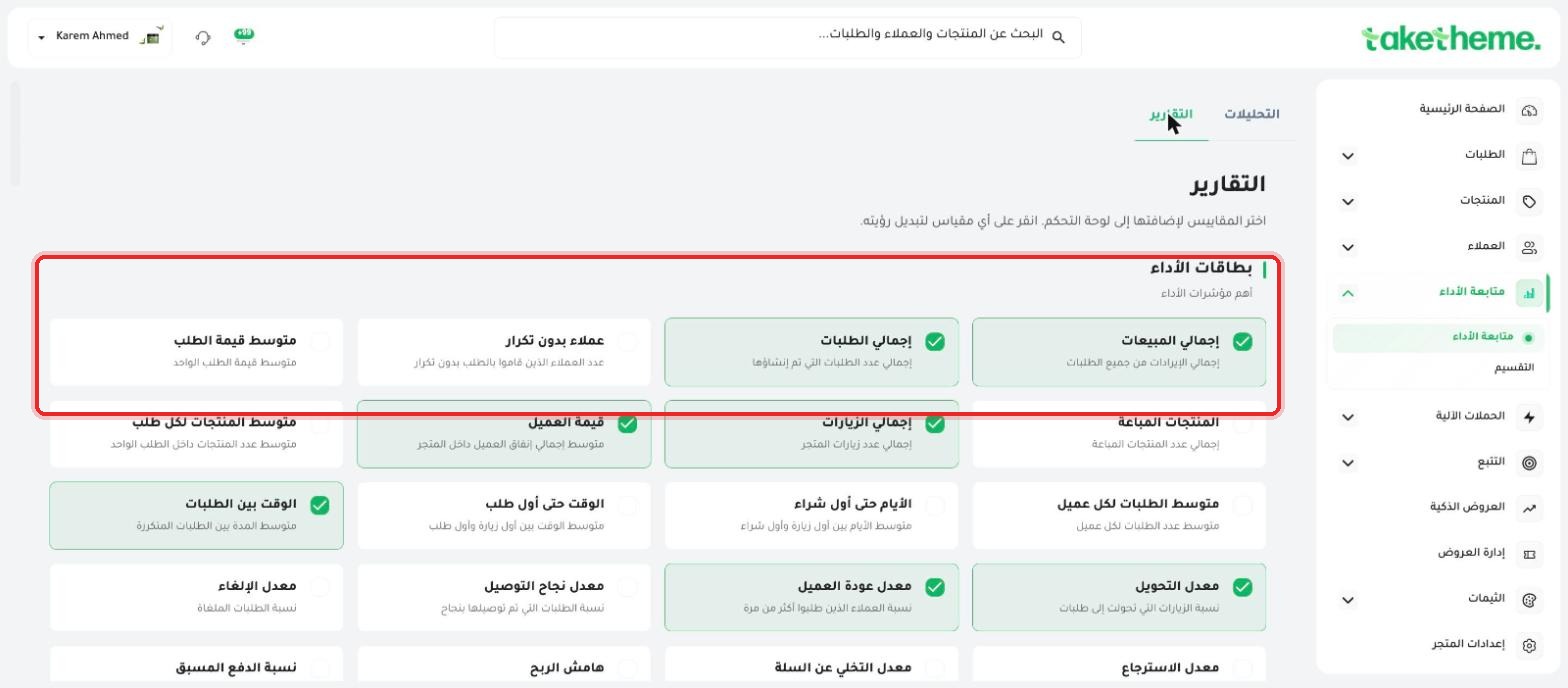
From the Analytics page, go to the Reports tab to open the full metrics catalog, organized into clear categories.
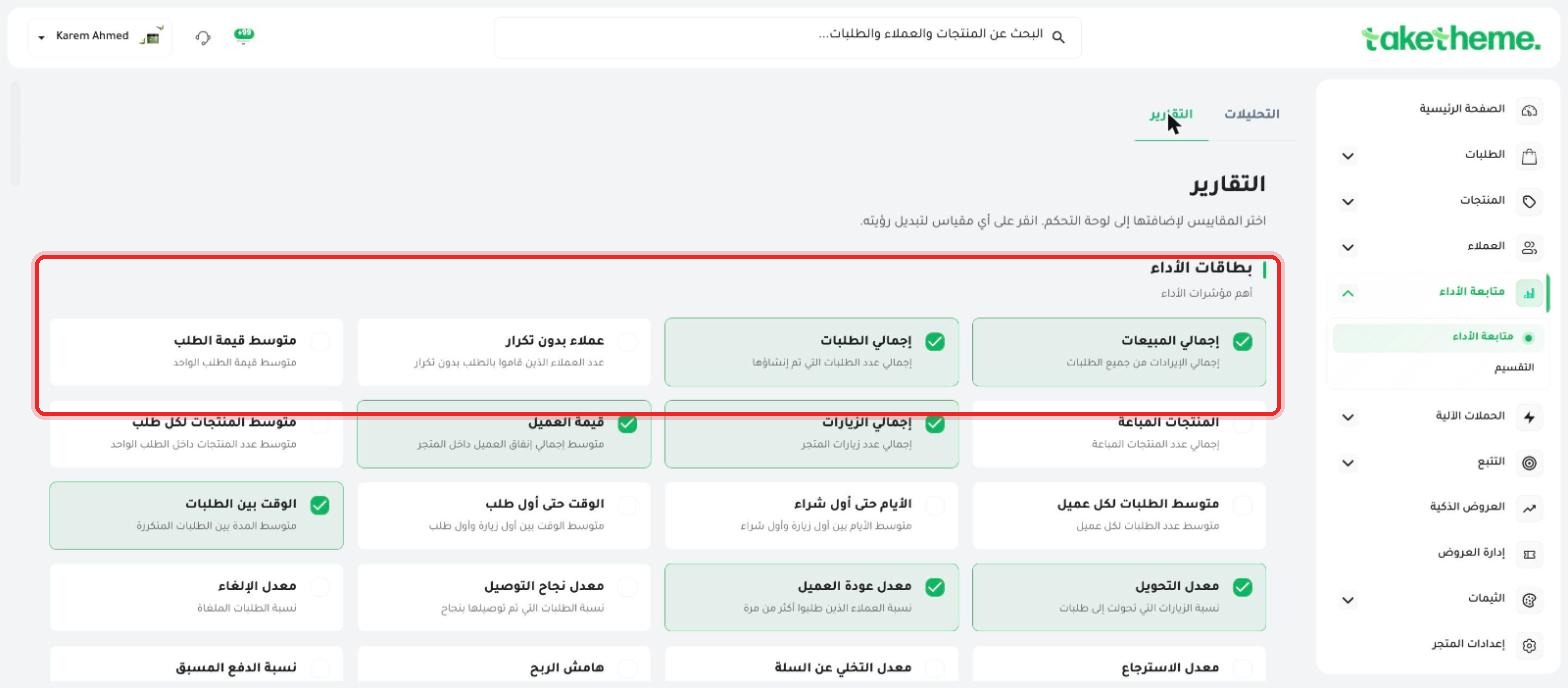
📍 The (Performance Cards) category at the top of the reports catalog with enable-able metrics
2
The categories we observed in the catalog: Performance Cards (top overall performance indicators), Operations and Fulfillment (tracking fulfillment time, shipping, and order cancellations), Campaigns and Traffic Sources (analyzing traffic sources and campaign results), Devices and Browsers, and Search and Engagement.
📍 Additional categories: Operations and Fulfillment, Campaigns and Traffic Sources, Devices and Browsers
3
Click any metric card to enable it — once enabled, it automatically appears as a card or chart on the main Analytics page, and you can disable it again the same way at any time.
⚠️ Disclosure note: We reviewed the Analytics and Reports pages in full and did not find an explicit "Export" or "Share" button (such as exporting a PDF or an external share link) on either of them. What's actually available is customizing the metrics displayed on your own dashboard within the platform, not exporting the report as a file or sharing it as a public link.
💡 If you need to share specific numbers with your team or an investor, the practical option currently available is taking a screenshot of the cards you've enabled, or relying on separate exports available in other sections, such as exporting orders (CSV) from the orders page.
❓ Frequently Asked Questions
Is there a higher subscription plan that unlocks an export feature?
We did not verify a link between subscription plans (Launch/Pro/Scale) and a report export feature specifically — see the article "Detailed Comparison Between the Three Plans" or ask support directly.
Is exporting orders from the orders page the same as exporting analytics reports?
No, exporting orders (see the article "Filtering and Exporting Orders") exports the raw order list as a file, while the Analytics page here displays aggregated metrics and charts within the dashboard only, with no direct export option for those same charts.
ReportsCustomizationAnalyticsReports and Analytics